
 Design Creative Lab
A brochure is the piece you hand over when someone asks "so what do you do?". If it's well made, it answers for you: it explains your service, builds trust and makes it clear how to reach you. If it's poorly made, it ends up in a drawer or in a downloads folder.
I've been designing editorial pieces since 1994: management reports, luxury travel catalogs and brochures for companies in many industries. Here's what a brochure is, what it should include and how to make one for your company, printed or digital.
What is a brochure?
A brochure is a printed or digital piece that presents your company, a service or a product in a few pages, with short copy, images and contact details. Unlike a catalog, it doesn't try to show everything you sell: it explains what matters most and leads people to the next step.
What types of brochure are there?
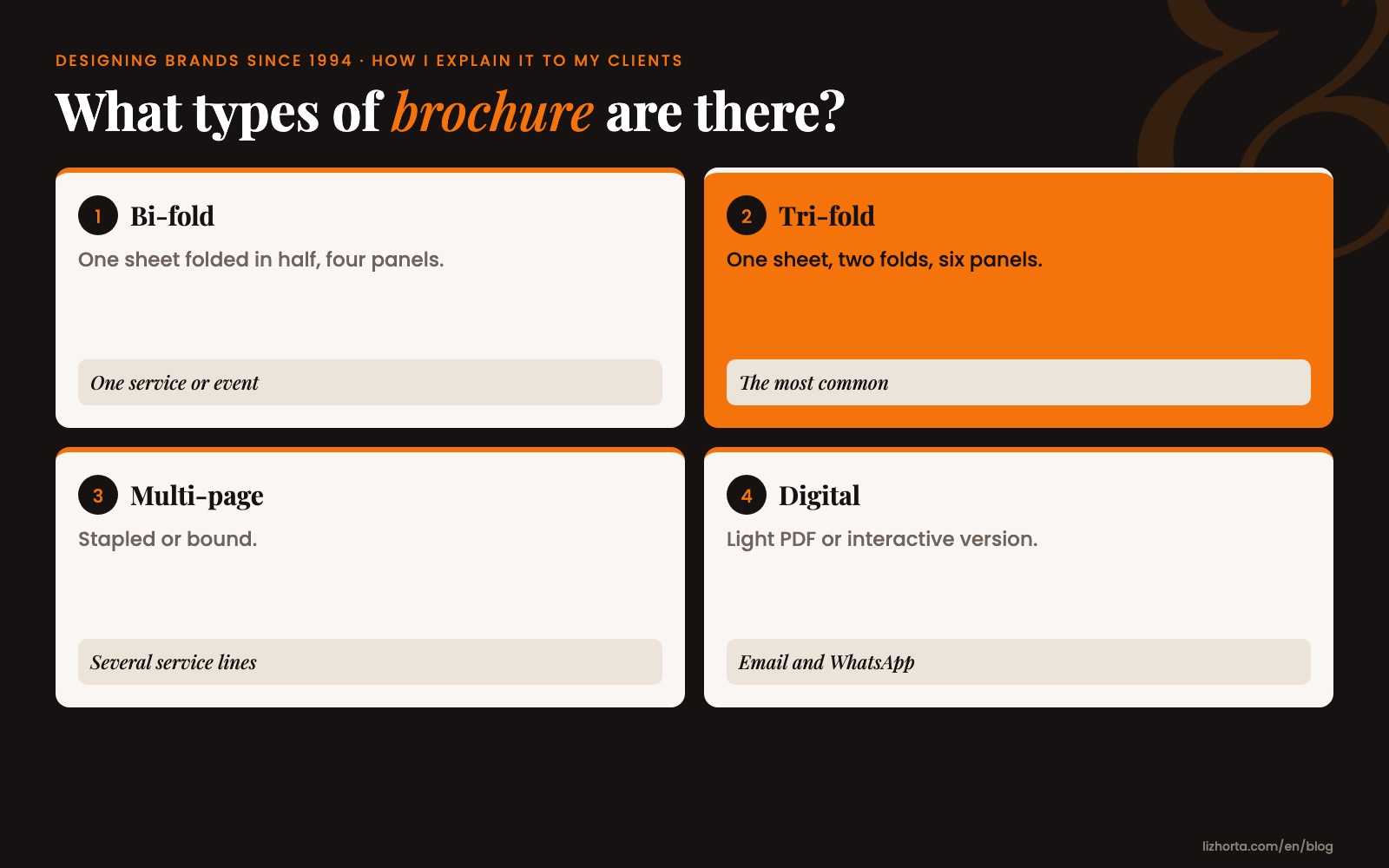
- Bi-fold. One sheet folded in half, four panels. Ideal for a single service or an event.
- Tri-fold. One sheet with two folds, six panels. The most common way to present a company.
- Multi-page brochure. Stapled or bound, for companies with several service lines.
- Digital brochure. A light PDF or an interactive version to send by email or WhatsApp.
What should a company brochure include?
- A cover with your brand and a line that says what you do.
- Who you are: a few lines about your company and your experience.
- What you offer: your main services or products, without endless lists.
- Why choose you: what sets you apart, with real data or examples.
- Proof: clients, projects, testimonials or certifications.
- How to reach you: phone, email, website, WhatsApp and, if printed, a QR code.
All of it in your identity: the same colors, typefaces and photo style as your website and social media.
How to make a company brochure step by step
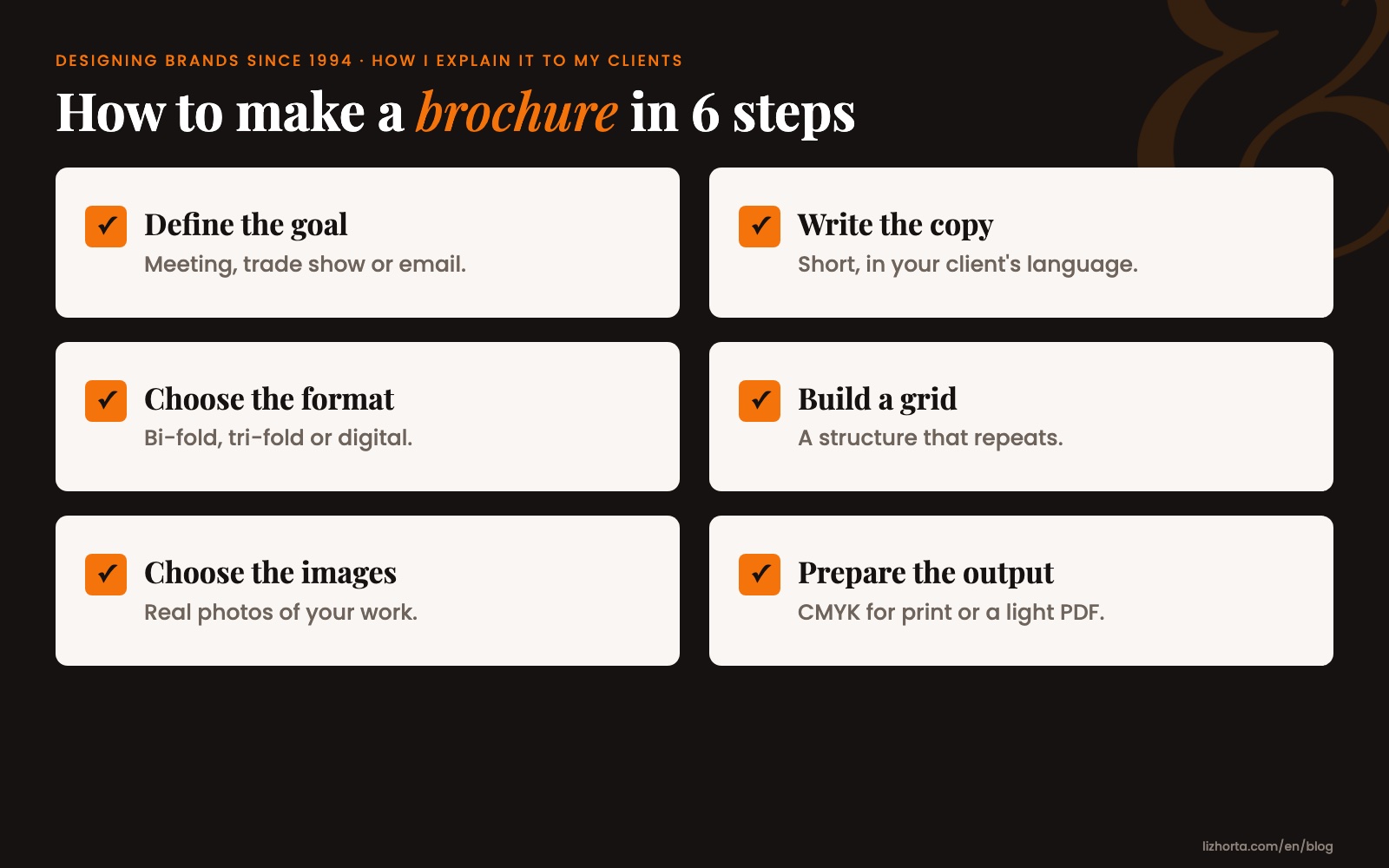
- Define the goal. Will you hand it out in a meeting, at a trade show or by email? That decides the format.
- Write the copy first. Short, clear and in your client's language, not your industry's.
- Choose the format. Bi-fold, tri-fold, multi-page or digital, depending on how much you need to say.
- Build a grid. A structure that repeats on every panel so everything looks organized.
- Choose the images. Real photos of your team, your facilities or your work are worth more than stock.
- Prepare the output. For print: sizes, bleed and CMYK color. For digital: a light PDF that reads well on a phone.
Printed or digital brochure?
Printed works in meetings, trade shows and reception areas: people take it with them and look at it again. It calls for care with paper, folds and print quality. Digital is shared in seconds by email or WhatsApp and can include links to your website or your calendar. The most practical approach is to design it once and prepare both outputs.
Can you make a brochure in Canva or Word?
Yes. Canva and Word have templates that work in a pinch or for a small event. The problem is that thousands of companies use those templates, so your brochure will look like your competitors', and they often don't follow your palette or typefaces. If the brochure is your company's introduction to important clients, it's worth having it designed by someone who protects your identity and prepares the print files properly.
What mistakes should you avoid?
- Too much text. If it doesn't fit, it belongs on your website.
- Talking only about yourself. Clients want to know what's in it for them, not your org chart.
- Generic stock photos. They reduce trust.
- Forgetting the next step. It should always be clear how to contact you.
- Skipping the proof before printing. A wrong phone number on a thousand brochures is expensive.
Which famous brochures are worth knowing?
- Harry Beck's London Underground map. Beck drew it in 1931; after a trial of 500 copies in 1932, it was published as a pocket folder in January 1933 with 700,000 copies. Its simple design is still in use today. Read about Harry Beck
- The Apple II brochure, 1977. Apple produced it at the same time as its new bitten-apple logo and an ad, to hand out at the first West Coast Computer Faire, where it introduced the computer. Read about the Apple II
Both explain something complex in very little space. That's the job of a good brochure.
If you'd like to see real editorial work, my portfolio (in Spanish) includes reports, catalogs and brochures.